How to Reset Kenmore Washing Machine
Is your Kenmore washer stuck mid-cycle, flashing error codes, or refusing to start? A simple Kenmore washing machine reset can often fix these issues in minutes without requiring tools or a technician. This guide covers every reset method from basic power cycles to advanced diagnostic mode, plus when a reset won’t work and what to do instead.
Basic Power Cycle Reset
The fastest and most universal Kenmore washing machine reset method works on all models, regardless of age or configuration.
Unplug and Wait 2 Minutes
Unplug the washer from the wall outlet. Wait at least 1 to 2 minutes. Some technicians recommend up to 10 minutes for full control board discharge. This clears temporary software glitches and resets internal sensors.
Pro tip: Use this reset after power outages or electrical surges.
Restore Power and Test
Plug the washer back in. Press Start to run a short cycle. If the machine operates normally, the reset succeeded.
Success rate: 65 to 80 percent for minor software hiccups.
Best for: Frozen displays, unresponsive controls, and cycle pauses.
Won’t fix: Mechanical failures like broken belts or pumps.
Top-Load Lid Reset Method
Exclusive to Kenmore top-load washers, this reset triggers a system recalibration using the lid switch.
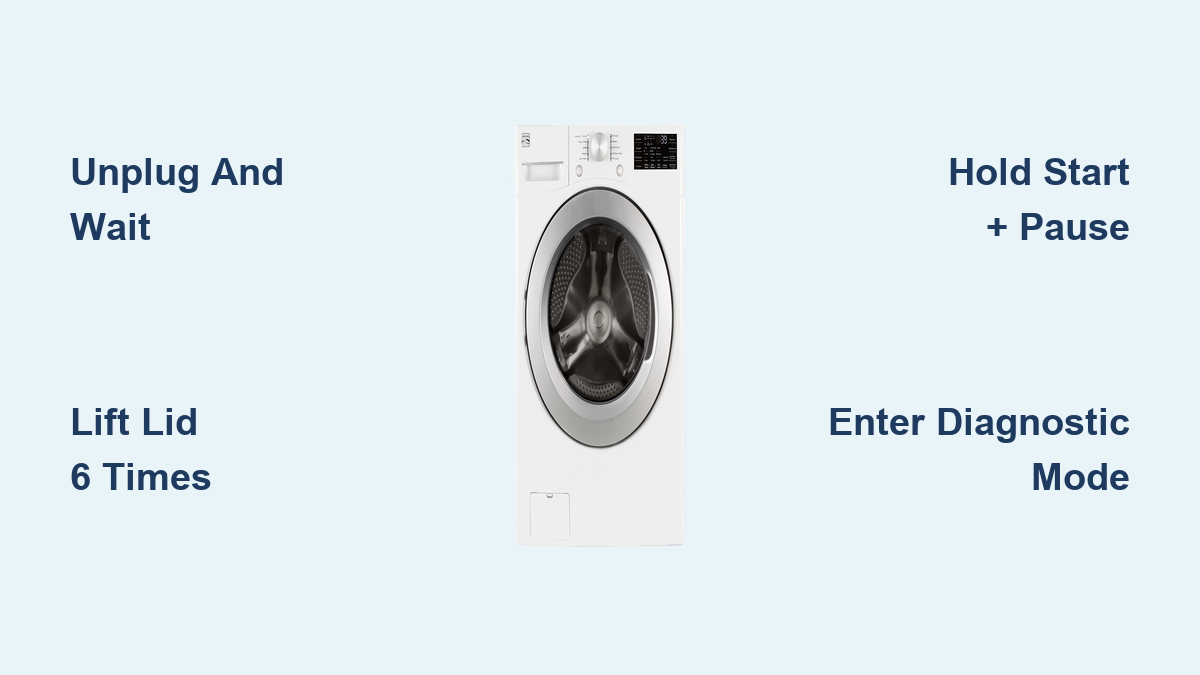
Lift Lid 6 Times in 12 Seconds
With the washer powered on, open and close the lid fully six times within 12 seconds. Each lift must be complete to activate the switch.
Visual cue: The control panel may flash or beep when successful.
After the sixth lift, press Start to begin a cycle.
Works on: Models like 110.25102310 (Series 500) and pre-2015 top-loads.
Fails if: Lid switch is damaged or actuator is faulty.
Master Button-Hold Reset
For models with electronic control panels, a button-hold reset forces the system to purge error memory.
Hold Start + Pause + Power
- Unplug the washer.
- Press and hold Start, Pause, and Power buttons together.
- While holding, reconnect power.
- Keep holding for 5 seconds, then release.
Wait 10 seconds. The control board should reboot.
Alternative combos: Some models use Start + Cancel or Power + Pause.
Best for: Front-load and digital top-load models showing F5, F7, or Suds Lock errors.
Enter Diagnostic Mode (VMW Platform)

Available on Kenmore top-load washers with six cycle lights under the knob. This mode enables full recalibration and error code retrieval.
Turn Knob: 3 Right, 1 Left, 1 Right
- Ensure washer is off, empty, and lid closed.
- Rotate the cycle knob one full turn counter-clockwise to 12 o’clock.
- Within 6 seconds, turn:
• 3 clicks clockwise
• 1 click counter-clockwise
• 1 click clockwise
Success sign: All green lights flash rapidly.
Must be fast: Pauses over 1 second cause failure.
Run Calibration Cycle
After entering diagnostic mode, initiate a self-test to recalibrate internal systems.
Set to Rinse Light and Start
- Turn knob 4 clicks clockwise from current position.
- The Rinse light should illuminate.
- Press Start.
The washer runs a 2 to 3 minute test, checking agitation, spin, drain, lid lock, and water level sensors.
End signs: Lid unlocks and machine powers down.
Run a normal cycle afterward to verify the fix.
Success rate: 80 to 90 percent when hardware is functional.
Retrieve Error Codes (Fxx Exx)

If the washer still malfunctions, pull stored codes to pinpoint the issue.
Activate Code Display
- In diagnostic mode, turn knob 1 click clockwise.
- Press Start.
- Observe flashing light pattern.
Decode the Signal
| Light | Value | Role |
|---|---|---|
| Sensing ON | F | Fault prefix |
| Sensing OFF | E | Sub-code |
| Wash | 8 | Digit |
| Rinse | 4 | Digit |
| Spin | 2 | Digit |
| Cycle Complete | 1 | Digit |
Example: F5 E3
First flash: Sensing ON (F) + Rinse (4) + Cycle Complete (1) equals 5, giving F5.
Second flash: Sensing OFF (E) + Spin (2) + Cycle Complete (1) equals 3, giving E3.
Final code: F5 E3.
Interpretation: Search F5 E3 Kenmore washer to identify the faulty part.
Model-Specific Reset Tips

Different Kenmore models require unique approaches.
Top-Load (VMW Platform)
Models: 110.25102310, Series 500.
Best reset: Diagnostic mode plus calibration.
Why: Allows error code reading and full system reset.
Front-Load (4100, 4600 Series)
Best reset: Start + Cancel button hold.
Steps: Press and hold both buttons for 5 seconds. Wait for control lights to flash. Release and start test cycle.
Kenmore Elite (Wi-Fi Models)
Post-2018 smart washers support app-based resets.
- Open Whirlpool app (Kenmore is Whirlpool-manufactured).
- Select your washer.
- Tap Run Diagnostics or Reset.
When Reset Fails: What’s Next?
A successful Kenmore washing machine reset resolves software issues but not hardware failure.
Common Hardware Failures
Even after reset, these parts may need replacement:
• Drive belt (loose or broken)
• Water pump
• Shift actuator (controls wash and spin transition)
• Lid lock assembly
• Main control board
User case: Model 110.25102310 failed to rinse and spin. Reset worked temporarily, but a technician found a loose belt and suspect actuator. Repair cost was $285.
Signs You Need a Repair
Reset failed if error returns immediately, machine won’t spin or drain, loud banging occurs during spin, lid won’t lock, or washer is over 8 to 10 years old.
Pro insight: Machines over 8 years old are more likely to have mechanical wear. Reset may mask symptoms but not cure the problem.
Reset Success Rates by Method
| Method | Success Rate | Best For |
|---|---|---|
| Basic Power Cycle | 65 to 80% | Minor glitches, frozen screens |
| Lid Lift x6 | 70 to 85% | Top-load cycle interruptions |
| Button-Hold Reset | 75 to 90% | Digital models with error codes |
| Diagnostic Calibration | 80 to 90% | Deep reset plus error retrieval |
Bottom line: Start simple. Escalate only if needed.
Preventive Maintenance Tips
Avoid future issues with these habits.
Reset Every 6 Months
Perform a manual power cycle every 3 to 6 months if the washer acts sluggish or erratic.
Bonus: Run an empty hot water cycle to clean the drum and recalibrate sensors.
After Power Outages
Always unplug and wait 2 minutes before resuming use. This prevents control board confusion.
DIY Repair Feasibility
Repair difficulty is moderate to high for experienced users. It requires cabinet removal and internal access. Control boards cost $150 to $300. Actuators cost $80 to $120.
Cost saver: A $0 reset avoids a $100+ service call for software issues.
Quick Reset Checklist
Safety First:
• Unplug washer
• Close lid, empty drum
Try Basic Reset:
• Unplug 2 minutes, plug back in
• Or: Lift lid 6 times in 12 seconds
• Or: Hold Start + Pause + Power for 5 seconds
Advanced Reset (If Applicable):
• Enter diagnostic mode (knob sequence)
• Run calibration (4 clicks, Rinse light, Start)
• Pull error codes if needed
Test Functionality:
• Run Normal or Rinse/Spin cycle
• Confirm full completion
Evaluate Outcome:
• Success: Monitor for recurrence
• Failure: Check belt, pump, actuator, or call technician
Frequently Asked Questions About Kenmore Washing Machine Reset
How do I reset my Kenmore washing machine without unplugging?
You can reset without unplugging using the lid sequence method on top-load models. Open and close the lid fully 6 times within 12 seconds. Alternatively, hold Start + Pause + Power for 5 seconds on electronic models while the washer remains plugged in.
Why is my Kenmore washer stuck on a cycle and won’t reset?
If basic resets fail, your washer likely has a hardware issue. Common causes include a faulty lid lock, drive belt damage, or a failed shift actuator. Check error codes using diagnostic mode to identify the specific problem.
What does a Kenmore washer error code F5 E3 mean?
F5 E3 indicates a lid lock failure on top-load washers. The code means the control board cannot confirm the lid is securely locked. Try resetting first. If the error persists, the lid lock assembly needs replacement.
How often should I reset my Kenmore washer as maintenance?
Perform a basic power cycle reset every 3 to 6 months as preventive maintenance. This clears minor software glitches and keeps sensors calibrated. After power outages, always reset before using the washer.
Can a Kenmore washing machine reset fix drainage problems?
A reset may fix drainage issues caused by software glitches, such as the drain pump failing to engage. However, if the water pump is mechanically failed or the drain hose is clogged, a reset won’t help. Test by running a drain cycle after resetting.
Key Takeaways for Fixing Your Kenmore Washer
A Kenmore washing machine reset is the fastest, cheapest first step in troubleshooting. It resolves most software glitches and can delay costly repairs. Use the tiered approach: start with a basic power cycle, escalate to lid or button reset, then use diagnostic mode if your model supports it. If problems persist, retrieve error codes or inspect hardware such as the belt, pump, or actuator. For machines over 8 years old, expect mechanical wear. Even a perfect reset won’t fix a broken belt. Stay proactive with maintenance, and you will extend your washer’s life for years.