How to Reset GE Washing Machine
Is your GE washing machine stuck mid-cycle, showing error codes, or refusing to start? You are not alone. A GE washing machine reset can solve many common issues like unresponsive controls, drainage failures, and error lockouts. Unlike some appliances, GE washers do not have a dedicated reset button. Instead, you must perform specific manual procedures to reboot the system. This guide walks you through every proven reset method, from simple power cycles to advanced diagnostic resets, so you can get your washer running again in minutes.
Whether you own a top-load, front-load, or GE Profile model, these steps apply across GTW, GFW, and older series. We will cover when to use each technique, how to interpret error codes, and what to do if a reset does not work. No jargon, no fluff. Just clear, actionable fixes that actually work.
Power Reset: Universal Fix
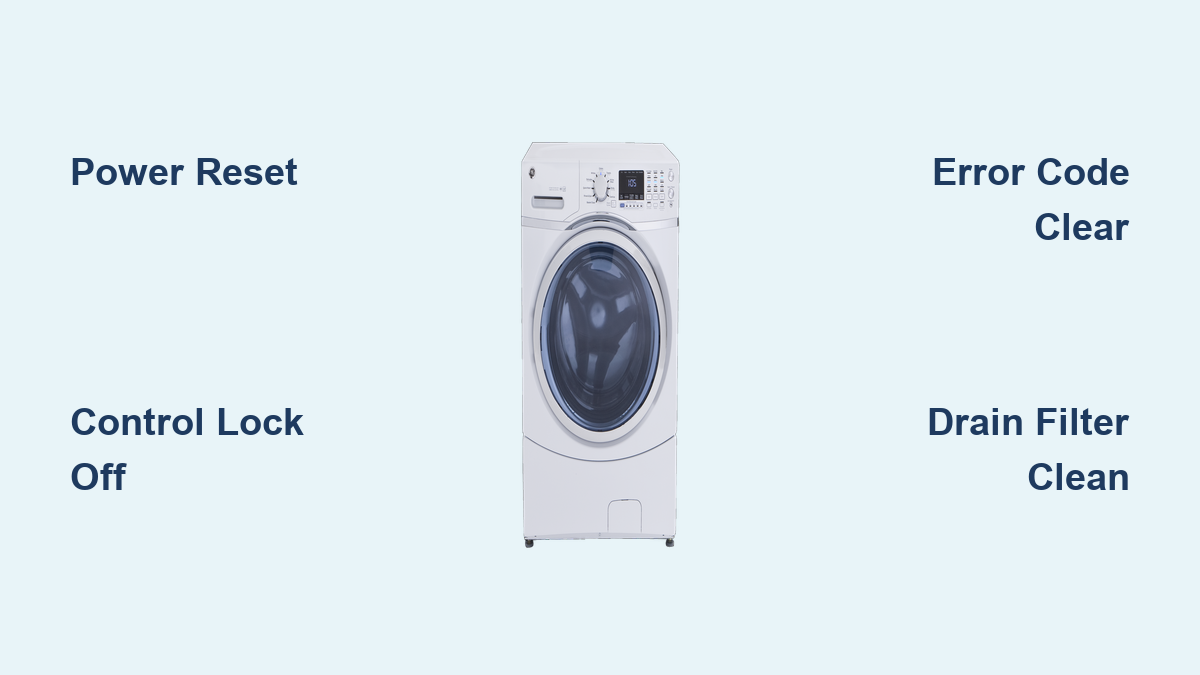
This is the first step for any GE washer issue. A power reset clears temporary glitches by fully rebooting the control board.
How to Perform a 3-Minute Hard Reset
Unplug the washer from the wall outlet. Wait exactly 3 minutes. This allows internal capacitors to discharge completely. Plug it back in and close the lid or door firmly. Select a basic cycle like Rinse and Spin and press Start.
Works on all GE models including top-load, front-load, HE, and standard agitator types. Time required is about 4 minutes total. This method works best for frozen cycles, unresponsive controls, and PF power failure errors.
Do not skip the 3-minute wait. Shorter breaks may not fully reset the system. For stubborn lockups, extend the wait time to 5 minutes.
Alternative: Breaker Reset
Use this method when the outlet is hard to reach or the unit is hardwired. Turn off the laundry room circuit breaker. If accessible, unplug the washer. Wait 2 to 5 minutes. Restore power by flipping the breaker back on. For manual dials, turn the knob to any setting except final spin. For digital panels, select a test cycle.
Plug a lamp into the same outlet to confirm power is restored before troubleshooting further. This simple test prevents wasted time troubleshooting a washer that has no power.
Control Panel Reset: Button Combos

When a power reset fails, try model-specific button sequences to force a deeper system reboot.
Top-Load Washers: Start Button Sequence
For most GE top-load models with a cycle knob, press Power to turn off. Wait 30 seconds. Hold the Start button. While holding Start, turn the cycle dial one click right, then one click left, then one more click right. Release all buttons. Wait 10 seconds, then power on and test.
Success signal involves some units flashing lights or emitting three beeps. If no response, repeat the sequence and hold Start for up to 10 seconds.
Front-Load Washers: Signal and Delay Start
For GE and GE Profile front-load models, press and hold Signal and Delay Start together for 3 seconds. While holding both, rotate the cycle knob clockwise through 3 or more positions. Release everything. The display may flicker. This is normal. Press Power to restart after 30 seconds.
This clears error codes and resets control memory effectively.
GE Profile: Enter Diagnostic Mode
For GE Profile and newer HE front-load washers, this method lets you view and erase stored error codes.
Enter Diagnostics
The washer must be off but plugged in. Hold the Play/Pause button. While holding it, turn the knob counter-clockwise 7 times. Release. Lights will blink rapidly, confirming entry.
Clear Error Codes
Re-enter diagnostics using the same steps. Turn the knob to Position 16. Press Play/Pause. This erases all stored codes.
Only clear codes after fixing the root problem. For example, unclog the drain or restore water supply first. Otherwise, the error returns instantly.
Motor Reset: Top-Load Hydrowave Models

For older GE top-load washers with Hydrowave direct-drive motors, use this fix if the drum fills but will not spin or agitate.
Unplug the washer. Wait 1 minute. Plug back in. Lift and close the lid 6 times within 12 seconds. Lift just 2 inches each time to break the magnetic switch. Ensure it clicks shut every time. Test with a small cycle.
This is a confirmed fix for post-power-outage motor lock on older models.
Advanced Reset: Stuck Cycle Override
Verified by technicians for basic GE top-load models with persistent stuck cycles.
Turn cycle knob to 12 oclock position. Hold Start, then turn knob clockwise to 6 oclock. Release Start. Turn knob 16 clicks clockwise. Press Start. Turn knob 16 clicks counterclockwise. Hold Start, then turn knob back to 12 oclock. Release.
This may trigger a hidden recalibration. Use only if standard resets fail.
Error Codes: What They Mean and How to Fix

Resetting will not help if the underlying issue remains. Here is how to interpret common GE washer error codes.
Can a Reset Fix It
OE or OF means drain problem. Reset sometimes works. Fix by clearing pump filter and checking hose first.
IE means water fill slow. Reset sometimes works. Check supply and clean inlet screens first.
UE or 26 means unbalanced load. Reset works. Redistribute clothes and level washer first.
E22 or E31 means drain pump fault. Reset rarely works. Unclog or replace pump first.
E38 or E31 means pressure sensor. Reset rarely works. Check air hose and replace sensor first.
E54 or 10 means motor failure. Reset does not work. Requires repair or replacement.
PF means power failure. Reset works. Restore stable power first.
LOC or CL means control lock on. Reset works. Disable lock first.
E19 or 27 means lid or door lock issue. Reset works. Clean lock and check alignment first.
Always address the cause before resetting. Otherwise, the error returns instantly.
Control Lock: Unlock Unresponsive Controls
If buttons do not respond, the Control Lock may be enabled.
Press and hold the Control Lock button for 3 seconds. The display should show Unlocked or the icon disappears.
If no dedicated button exists, try Options plus Start. Some models use Delay Start plus Signal instead. Then perform a power reset to restore full functionality.
Diagnostics Mode: Top-Load Knob Models
For top-load GE washers with dial controls, enter diagnostics to view and clear hidden errors.
Unplug for 1 minute, then plug back in. Hold Start and turn knob counter-clockwise 7 times. Listen for a beep. You are in.
Turn knob until only the second LED is lit. Press Start. This erases all codes.
Use this after fixing a drain or lid issue to prevent restart blocks.
When Reset Fails: Next Steps
If your GE washer still will not start after multiple resets, check for error codes during operation. Some only appear mid-cycle. Inspect power supply by testing the outlet and checking the breaker. Review the user manual for model-specific quirks. Verify warranty status and contact GE Appliance Service if under coverage. Run a recall check at CPSC.gov. Call a technician if you suspect failed control board, broken drain pump, motor or inverter failure, or damaged lid lock assembly.
Average repair cost ranges from $300 to $500. Consider replacement if the unit is over 10 years old.
Prevent Frequent Resets: Maintenance Tips
Avoid constant resets with simple upkeep.
Clean door seal and drum monthly. This prevents mold and sensor errors. Clean drain pump filter every 3 to 6 months. This stops OE and E22 codes. Use HE detergent only. Excess suds confuse sensors. Do not overload. Follow load guidelines. Leave lid or door open after use. This dries the interior and prevents odors. Level the washer. Adjust feet to reduce vibration. Replace hoses every 3 to 5 years. This prevents leaks. Use a surge protector. This shields against power spikes.
After any power outage, do a 5-minute power reset before resuming laundry.
Upgrade Options If Reset Fails
If repair is not worth it, consider these reliable replacements.
Electrolux 4.5 Cu. Ft. Front Load features SmartBoost that pre-mixes detergent, NSF-certified allergen removal, and 15-minute fast wash with steam sanitize.
Samsung 5.2 Cu. Ft. Top Load offers massive capacity for large families, Deep Fill, and Vibration Reduction Technology plus EZ Access tub and Soft-Close Lid.
LG 4.5 Cu. Ft. Front Load includes 6Motion wash action, ColdWash for gentle cleaning, and sanitary cycle that removes bacteria.
Users report quieter operation, faster spins, and shorter drying times with these models.
Summary: Reset by Problem
Stuck mid-cycle calls for power reset. Won not turn on requires breaker reset plus outlet test. Error code shown needs power reset plus diagnostic clear. Unresponsive controls require disabling LOC plus power reset. Drain failure needs cleaning pump plus power reset. Motor not spinning requires lid cycle reset. Repeating UE code calls for redistributing load plus reset. Door will not lock requires cleaning lock plus power reset.
Key Takeaways for GE Washing Machine Reset

A GE washing machine reset is safe, free, and fixes most electronic glitches in under 10 minutes. Start with the 3-minute power reset, then move to model-specific sequences if needed. Always fix the root cause, especially for recurring errors. With proper care, your GE washer can run smoothly for years without service calls.
Frequently Asked Questions About GE Washing Machine Reset
How do I reset my GE washing machine control board?
Unplug the washer for 5 to 10 minutes to fully discharge residual power, then plug back in and test.
Will unplugging a GE washer reset it?
Yes. Disconnecting power for 60 seconds minimum clears the control board memory. For best results, wait 3 to 5 minutes.
How long does it take for a GE washer to reset?
Minimum 1 to 2 minutes unplugged. For stubborn issues, 5 minutes is recommended.
Can I reset a GE washer without unplugging it?
Only if a button-based reset is supported, such as Signal plus Delay Start on front-load models. Power reset is more effective.
Why does my GE washer keep getting stuck mid-cycle?
Common causes include power fluctuations, overload, unbalanced load, clogged drain, or failing control board.