How to Reset Amana Washing Machine
Is your Amana washing machine not starting, stuck in drain mode, or unresponsive to button presses? You are not alone. Many Amana washer owners encounter glitches that halt performance, often without warning. The good news: a simple Amana washing machine reset can resolve these issues in minutes. This guide delivers step-by-step instructions, model-specific tips, and expert-backed fixes to get your washer running again.
Whether your unit is flashing error lights, locked up mid-cycle, or will not power on at all, this reset process works on compatible top-load models like the NTW4515FW1 and NTW4516FW2. We will walk you through diagnostic mode entry, power cycling, control lock release, and when to call for professional help so you can avoid unnecessary service calls.
Enter Diagnostic Mode for Full Reset

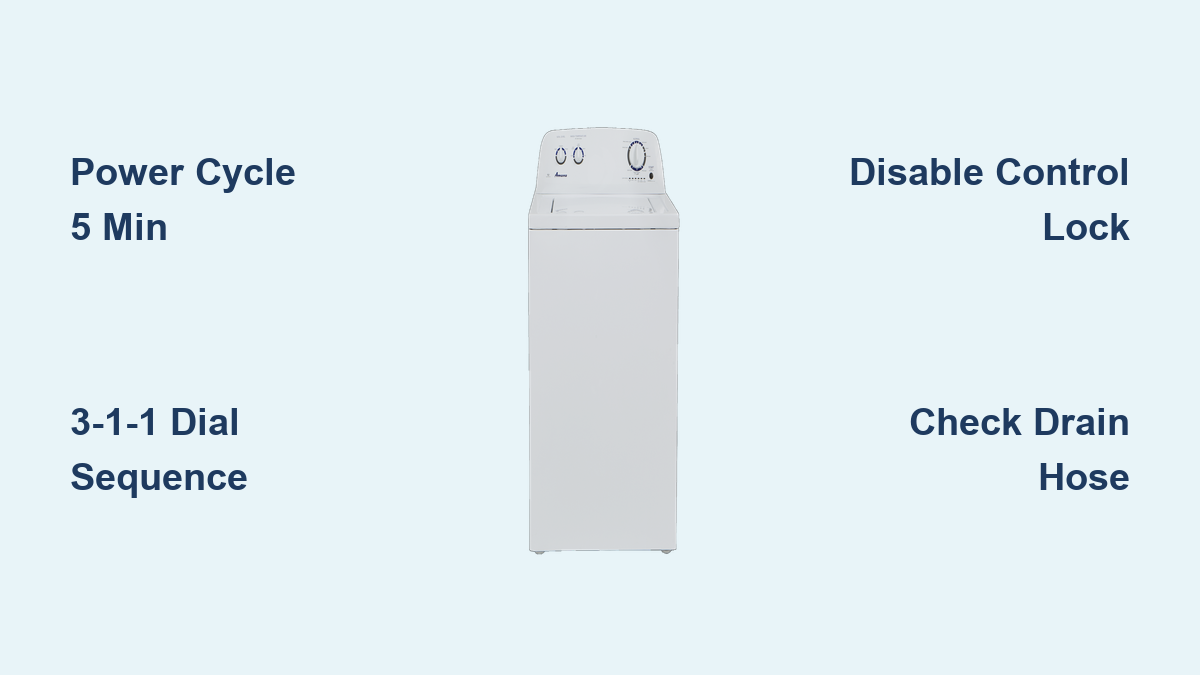
The most effective Amana washing machine reset involves activating diagnostic mode, which recalibrates the control board and clears system errors. This method works on compatible models with a rotary dial and six indicator lights.
Rotate Dial to 12:00 Position
Start with the washer powered off. No lights should be illuminated. Turn the cycle selector knob so it points straight up to the 12:00 position. This aligns the system for command input.
Visual cue: If the lid lock or any light is on, perform a 5-minute power cycle first.
Perform 3-1-1 Dial Sequence
Within 6 seconds of positioning the dial, execute this precise rotation pattern:
• 3 clicks clockwise (to the right)
• 1 click counterclockwise (to the left)
• 1 click clockwise (to the right)
Each click means moving the dial one cycle setting over. Do not spin freely.
Critical tip: Speed matters. Complete the sequence within 6 seconds. Slow or incorrect turns will not trigger the reset.
Confirm Entry With Blinking Lights
Success is confirmed when all six indicator lights begin blinking, either together or in sequence. This means diagnostic mode is active.
If no lights blink:
• Unplug the washer for 5 minutes
• Restart from the beginning
• Ensure each turn is distinct and deliberate
Initiate Recalibration Cycle
Once blinking starts:
• Rotate the dial 4 clicks to the right
• Press the Start button
The washer will begin a 2 to 3 minute self-test, possibly filling slightly, spinning, and draining. This recalibrates motor timing, lid lock, pump function, and sensor readings.
When complete, the lid unlocks and the machine stops. Your Amana washing machine reset is finished.
Run Factory Reset (Double Recalibration)
For recurring errors or persistent lockups, perform a factory reset by repeating the diagnostic recalibration process twice.
Why Reset Twice
The first pass clears temporary faults and resets the current cycle state. The second pass, performed with an empty drum, clears stored glitches and reinitializes firmware. This double-reset mimics a factory reboot and often resolves stubborn software hiccups.
Steps to Double Reset
After the first recalibration ends:
1. Wait 30 seconds
2. Repeat the full 3-1-1 sequence
3. Run the second recalibration
Best for: Washers that keep getting stuck in drain mode or fail after an initial reset
Power Cycle When No Lights Respond
If your Amana washer shows no power, will not turn on, or has a blank control panel, start with a power cycle before attempting any button sequences.
Unplug for 5 Minutes
- Unplug the washer from the wall outlet, or turn off the dedicated circuit breaker
- Wait exactly 5 minutes to allow the control board capacitors to fully discharge and reset internal memory
- Restore power by plugging back in or flipping the breaker
- Wait for the machine to reboot, usually 10 to 20 seconds
Success signs: Lid lock light turns on, or control buttons respond
This method clears electrical noise, power surge damage, and soft freezes in the control system.
Check first: Confirm the outlet works by plugging in a lamp or phone charger.
Unlock Control Panel (Control Lock Fix)
A common reason controls seem dead is the Control Lock feature being accidentally enabled. This disables all buttons, even Start and Power.
Identify Control Lock
Look for:
• A padlock icon lit on the control panel
• The word Lock displayed or illuminated
• Buttons unresponsive, but power present
Disable Control Lock
On most Amana models:
• Press and hold the End of Cycle or Options button for 3 to 5 seconds
• Listen for a beep or watch for the lock light to turn off
Some variants use:
• Spin + Rinse held together for 5 seconds
• Pause/Cancel held for 3 seconds
Pro tip: Consult your owner is manual for the exact button combination. This varies slightly by model.
Warning: Until Control Lock is off, no reset sequence will work.
Fix Amana NTW4515FW1 Stuck in Drain Mode
One of the most reported issues is the NTW4515FW1 model starting in drain mode with no water and no lights. This points to a system fault, but it is often fixable.
Immediate Steps
- Perform 5-minute power cycle. Unplug, wait 5 minutes, plug back in.
- After power returns, attempt the 3-1-1 diagnostic reset.
- If still draining, check that the lid switch clicks when closed. Inspect drain hose for kinks or clogs. Ensure no water remains in the tub, as even small amounts trigger drain.
Possible Causes
| Symptom | Likely Cause |
|---|---|
| Drains immediately, no lights | Control board glitch or failed pressure switch |
| Pump runs continuously | Stuck relay on control board |
| No response after reset | Blown fuse on control module |
Expert note: If the drain pump runs nonstop, unplug immediately. While short dry runs are safe, prolonged operation can overheat the motor.
If the problem persists after reset, the control board may need replacement, especially if error codes reappear.
Decode Indicator Light Patterns

After a reset, blinking lights may reveal hidden error codes. While Amana does not publish a universal code list, observed patterns help diagnose issues.
Common Light Behaviors
Single blinking light: Likely indicates lid lock failure. Check lid switch alignment and debris under the latch.
Three rapid blinks: Likely indicates drain obstruction or pump blockage. Clean the drain pump filter located behind the lower front panel.
Solid continuous light: Likely indicates control board malfunction. Try power cycle plus diagnostic reset. If unchanged, seek professional repair.
Diagnostic mode benefit: It forces the system to run a hardware self-test, often revealing faults not visible otherwise.
Compatible Models and Design Features

Not all Amana washers support the 3-1-1 reset. Use this checklist to confirm compatibility.
Supports Reset Sequence If
• Top-load design (vertical agitator)
• Rotary cycle dial (not digital touchpad)
• Six horizontal indicator lights
• Lid-lock light present
• Made after 2010 (shared Whirlpool platform)
Does NOT Support Reset If
• Front-load washer
• Digital display screen
• Push-button controls with no dial
• Older mechanical timers (pre-2008)
Find your model: Look at the serial tag inside the lid or on the back. Example models include NTW4515FW1, NTW4516FW2, and NTW4600YQ0.
If unsure, perform a power cycle first. It is safe for all models.
When Reset Will Not Fix the Problem
Amana washing machine reset solves software glitches and soft faults, but not hardware failures.
Reset Will NOT Fix
• Clogged drain hose
• Broken pump or motor
• Faulty water inlet valve
• Worn drive belt
• Failed pressure switch
Signs You Need a Repair
• Washer repeats the same error after multiple resets
• Error codes return immediately
• Unusual noises (grinding, clicking) during operation
• Water does not fill or drain properly despite clear hoses
Contact Amana Support or a certified technician if problems persist. Most units have a 1-year warranty covering control board defects.
Maintenance Tips to Prevent Future Lockups
Avoid frequent resets by keeping your washer in top condition.
Monthly Checks
• Clean detergent dispenser to prevent clogs
• Wipe door seal and tub to stop mold buildup
• Run empty hot water cycle with washer cleaner
• Check hoses for kinks or leaks
Power Protection
• Use a surge protector to prevent board damage
• Avoid running washer during electrical storms
• Do not share the outlet with high-draw appliances
Pro tip: Reset your washer every 3 to 6 months as preventative maintenance, even if it seems fine.
Summary: All Amana Washer Reset Methods
| Method | Steps | Best For |
|---|---|---|
| Diagnostic Reset | Dial to 12:00, 3R,1L,1R sequence, 4R plus Start | Error codes, stuck cycles, unresponsive controls |
| Power Cycle | Unplug, wait 5 min, restore power | No lights, frozen display, no power |
| Control Lock Off | Hold End of Cycle or Options for 3 to 5 sec | Locked panel, unresponsive buttons |
| Factory Reset | Repeat diagnostic reset twice | Recurring glitches, deep system refresh |
Final Advice: Reset Smart, Not Repeatedly
An Amana washing machine reset is a powerful troubleshooting tool, but it is not a cure-all. Use it when controls freeze, a cycle will not start, the washer gets stuck in drain, or lights blink abnormally.
But if you find yourself resetting weekly, it is time to suspect a failing control board, power supply issue, or sensor failure.
Always verify model compatibility, follow timing precisely, try power cycle first, and consult the official Amana manual online.
With the right steps, most resets take under 5 minutes and can save you a costly service call.
Need the manual? Visit Amana is Manuals and Literature page and enter your model number for full technical details.
Now you are equipped to fix your Amana washer fast, no technician required.
Frequently Asked Questions About Amana Washing Machine Reset
How do I reset my Amana washing machine?
To reset your Amana washing machine, start with a 5-minute power cycle by unplugging the unit or turning off the circuit breaker. For compatible top-load models with a rotary dial, you can perform a diagnostic reset by turning the dial to the 12:00 position and executing a 3-1-1 rotation sequence within 6 seconds.
Why is my Amana washer not responding to button presses?
The most common cause is the Control Lock feature being enabled. Look for a padlock icon on the control panel. Press and hold the End of Cycle or Options button for 3 to 5 seconds to disable it. If no lights are on at all, try a 5-minute power cycle first.
What does the 3-1-1 reset sequence mean?
The 3-1-1 sequence refers to rotating the cycle dial 3 clicks clockwise, then 1 click counterclockwise, then 1 click clockwise. Each click is one distinct position on the dial. Complete this within 6 seconds to enter diagnostic mode on compatible models.
Can I reset my Amana washer if it is stuck in drain mode?
Yes, start with a 5-minute power cycle. After restoring power, attempt the diagnostic mode reset. If the washer continues draining or the pump runs continuously, check for kinks in the drain hose and ensure no water remains in the tub. Persistent issues may indicate a control board problem.
How often should I reset my Amana washing machine?
Reset your washer every 3 to 6 months as preventative maintenance, even if it appears to be working normally. This helps clear any accumulated system glitches and keeps the control board calibrated properly.
When should I call a professional instead of resetting?
Call a professional if the washer displays the same error code after multiple resets, makes unusual grinding or clicking noises, does not fill or drain properly despite clear hoses, or shows a continuous solid light on the control panel. These indicate hardware failures that require repair.