How to Reset a Washing Machine: Quick Steps
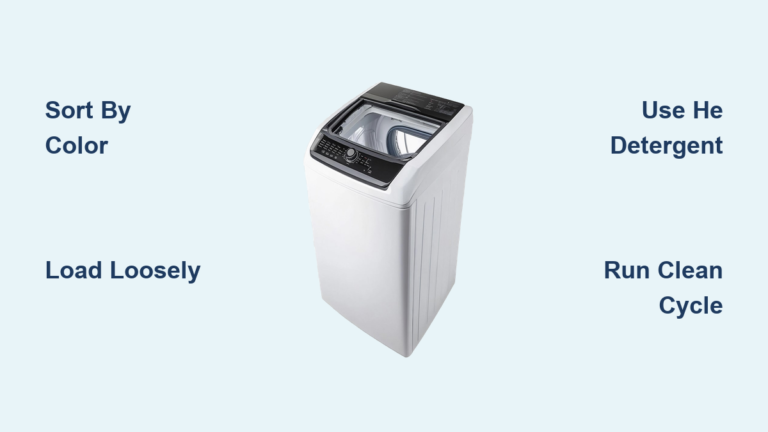
Is your washing machine frozen mid-cycle, displaying a mysterious error code, or refusing to start? You are not alone. Thousands of users face these issues daily, and the good news is that a simple reset can often restore normal function without calling a technician. However, a reset is not a repair. It clears temporary electronic glitches, but recurring problems point to deeper mechanical or plumbing failures that require professional attention.
This guide covers universal reset methods that work across 95% of models, plus brand-specific procedures for Whirlpool, Samsung, LG, and GE washers. You will learn how to clear error codes safely, recognize when it is time to call a professional, and perform post-reset verification to ensure your machine is truly fixed.
Universal Power-Cycle Reset for All Washer Brands
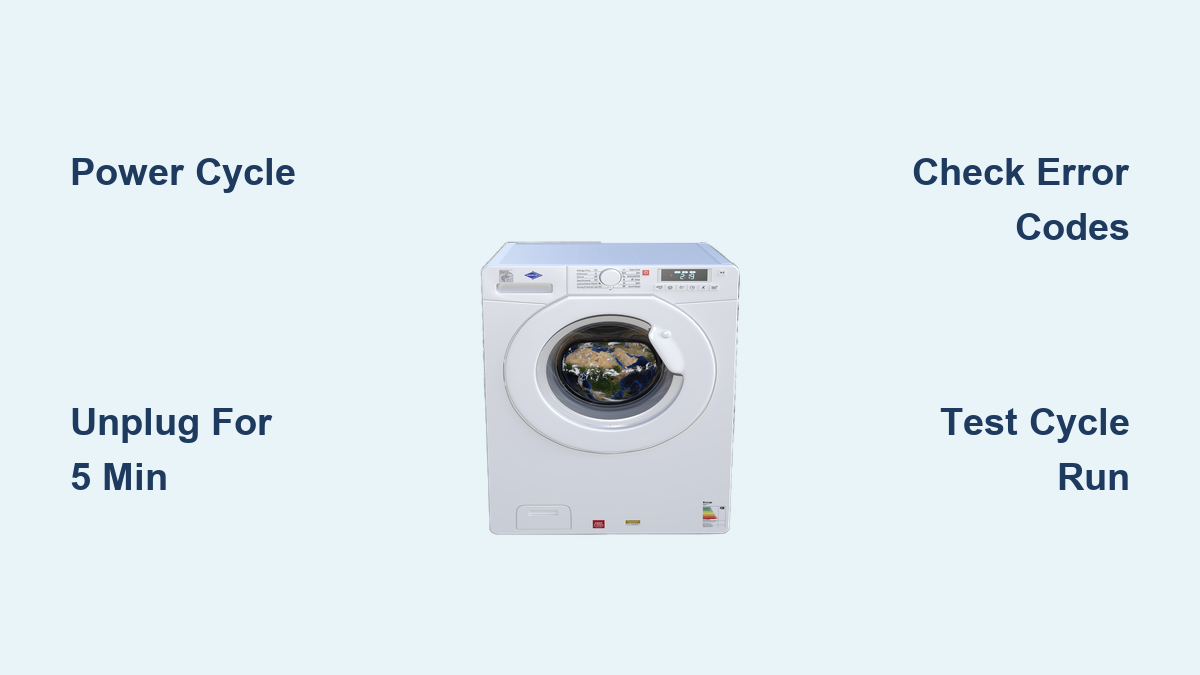
The most reliable way to reset any washing machine is to cut power and restart the control system. This clears temporary memory, resets error codes, and forces a clean boot, similar to rebooting a computer.
How to Power Cycle Any Washer
Follow these steps in order:
- Turn off the machine using the Power or Start/Pause button, if responsive.
- Unplug the washer from the wall outlet, or flip the circuit breaker controlling the unit.
- Wait 5 to 10 minutes to ensure capacitors fully discharge and the control board resets completely.
- Restore power by plugging the machine back in or turning the breaker on.
- Wait 10 to 20 seconds for the control panel to initialize.
- Run a Rinse/Spin or Quick Wash cycle with no laundry to test performance.
This method fixes frozen or unresponsive control panels, stuck cycles that will not advance, temporary error codes like F1 or UE, post-power surge lockups, and door or lid lock malfunctions.
Whirlpool Washer Reset Methods

Whirlpool and its sister brands (Maytag, Kenmore, Amana, and Roper) offer advanced reset and calibration options beyond basic power cycling.
Factory Reset via Dial Position
This clears all custom settings and restores factory defaults.
- Rotate the cycle dial to the 12 o’clock position.
- Unplug the washer.
- Wait 1 minute.
- Plug it back in.
- Listen for a click from the rear, which confirms the control board has rebooted.
Enter Calibration Mode After Repairs
Use this after replacing parts like the motor, control board, or shift actuator.
- Set the dial to 12 o’clock.
- Rotate the dial counter-clockwise 360 degrees.
- Within 3 seconds, rotate right 3 clicks, then left 1 click, then right 1 click.
- The dial should now point to 3 o’clock.
- All bottom LEDs will flash, indicating you are in diagnostic mode.
- Turn the dial clockwise 4 times.
- The Rinse light stays solid, meaning calibration is active.
- Press Start. The lid locks automatically, and a 3-minute self-test begins.
- When all lights turn off, the process is complete.
Lid-Cycle Reset for Older Models
This works on select Whirlpool and Kenmore top-loaders when standard resets fail.
- Unplug the washer.
- Wait 1 minute.
- Plug it back in.
- Open and close the lid 6 times within 12 seconds.
Timing is critical. Too slow, and the command will not register.
Samsung Washer Reset Procedure
Samsung washers do not have a dedicated reset button, but a power cycle achieves the same result.
Power Cycle Steps
- Unplug the washer or turn off the breaker.
- Wait 5 minutes, which is Samsung’s recommended discharge time.
- Restore power.
- Wait for the control panel to reboot.
This clears temporary errors like 4E (no water fill) or ND (no drain).
When to Reset and When Not to Reset
Reset if the control panel is frozen, the cycle stops unexpectedly, or an error appears once after a power surge. Do not reset if the same error returns immediately, water is not filling (check valves first), or you notice leaks, burning smells, or sparks.
Network Reset for Smart Models
For Wi-Fi-enabled Samsung washers using SmartThings:
- Press and hold Smart Control for 3 seconds until AP appears.
- Press and hold Temp for 7 seconds until OK appears.
- Turn off the washer.
This erases all Wi-Fi settings. The next setup starts fresh.
LG, GE, and Front-Load Washer Reset

Front-loaders from LG, GE, Bosch, and Electrolux follow a similar reset pattern.
Standard Reset Steps
- Press Power to turn off.
- Unplug or cut power at the breaker.
- Wait 5 to 10 minutes.
- Restore power.
- Press Power again.
- Run a Rinse/Spin or 15-Minute Wash cycle.
Some models keep the door locked for up to 3 minutes after the cycle ends. Wait it out rather than forcing it.
Top-Load Washer Reset
Top-loaders often respond to lid-based reset tricks.
Reset Steps
- Turn off using the Power button.
- Unplug or cut power.
- Wait 5 to 10 minutes.
- Optionally, open and close the lid 6 times within 12 seconds.
- Restore power.
- Select Rinse/Spin or Quick Wash.
- Start and monitor.
This works because rapid lid movement signals the control board to reset the lid switch, a common cause of spin failure.
Error Code Management and Documentation
Resetting erases error history. Some models store the last 5 to 10 faults, and technicians rely on this data.
Example: Samsung 4E Error
This means water is not entering the drum. Check before resetting:
- Are both water valves open?
- Are hoses kinked?
- Is hot water connected if a hot cycle is selected?
Fix the cause first, then reset.
Safety Checks Before Resetting
Always perform these checks before resetting:
- Ensure the washer is not mid-cycle with water inside.
- Turn off child lock or delay start features.
- Inspect the power cord for fraying, melting, or burns.
- If you smell burning or see sparks, do not reset. Call a technician instead.
Always disconnect power before any reset.
Post-Reset Verification
After resetting, verify properly by running a short cycle.
Test Steps
- Run a short cycle like Rinse/Spin or Quick Wash.
- Watch for normal fill and agitation, drum spinning, complete drain, and no error codes.
- Repeat 2 to 3 times if needed.
If errors return, the problem is hardware-based, not software.
When Resetting Will Not Help
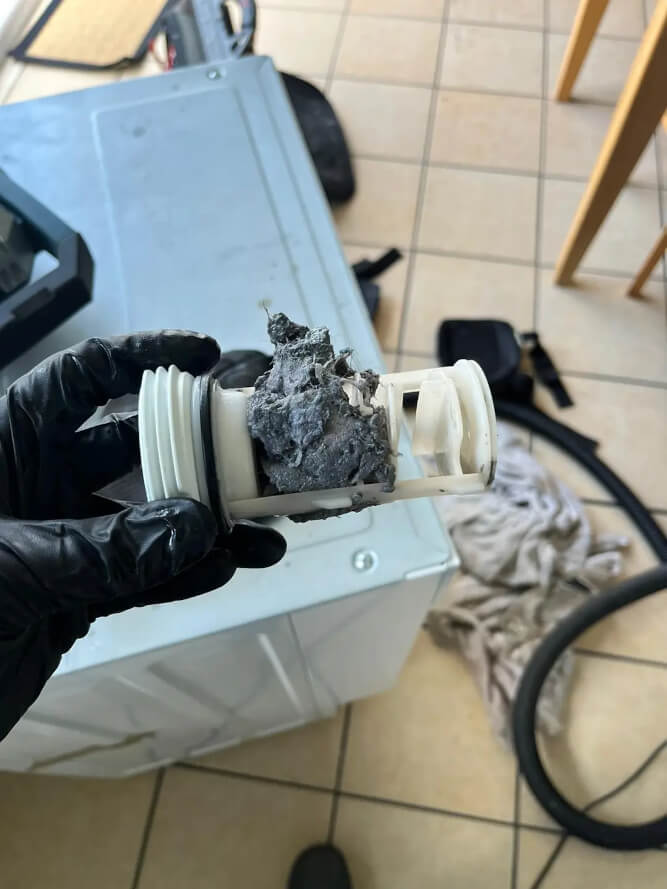
A reset only fixes temporary glitches. If you see any of these signs, the issue is deeper:
Washer Will Not Drain
Possible causes include kinked drain hose, clogged pump filter, or drain pump failure.
Washer Will Not Spin
Possible causes include unbalanced load, overloaded drum, faulty lid switch, broken drive belt, or failed motor or clutch.
Repeating Error Codes
F02 on Whirlpool means long drain, likely a clogged pump. Persistent UE on Samsung or LG may indicate a sensor or motor fault.
Leaks, Smoke, or Electrical Noises
Stop using the machine immediately. Check the door gasket, hoses, tub seal, and pump for leaks. If you smell burning, the issue may be the motor, capacitor, or wiring. Disconnect power and contact a technician.
Maintenance Tips for Longevity
Prevent issues before they start with these monthly practices:
- Clean the pump filter, usually located behind the front-bottom panel.
- Wipe the detergent drawer and door seal.
- Run a hot water cleaning cycle with vinegar or washing machine cleaner.
Best practices include using HE detergent only in high-efficiency models, avoiding overloading the drum, keeping the machine level to prevent vibration, and leaving the door open after use to dry out moisture.
Frequently Asked Questions About Washing Machine Resets
How do I reset my washing machine?
Turn it off, unplug for 5 to 10 minutes, plug back in, and run a test cycle.
How long should I unplug it?
Minimum 2 minutes is sufficient, but 5 to 10 minutes ensures a full reset.
Does resetting clear error codes?
Yes, if they are temporary. Recurring codes indicate hardware failure.
Why is my washer not working after reset?
The issue is likely a drain pump, motor, lid switch, or control board problem.
Is it safe to reset myself?
Yes, if you disconnect power first. Stop and call a professional if you see sparks or smell burning.
Can I damage the washer by resetting?
No. When done correctly, resetting is completely safe and non-invasive.
Key Takeaways for Resetting Your Washing Machine

A reset clears temporary electronic glitches but does not fix broken parts. Always check water supply and drain hoses before resetting, and document error codes before clearing them. Power cycling works on all brands, while Whirlpool models offer calibration mode after part replacements. If errors return after resetting, the problem is hardware-based and requires professional service. Regular maintenance, including cleaning filters and running hot water cycles, prevents many issues that lead to resets.