How to Reset Cabrio Washing Machine
If your Whirlpool Cabrio washing machine isn’t starting, displays error codes, or seems stuck in a cycle, a Cabrio washing machine reset can often fix the issue in minutes. Whether it’s freezing mid-cycle, failing to drain, or flashing strange lights, resetting the system clears software glitches, recalibrates sensors, and restores normal operation. This guide covers every reset method for Whirlpool Cabrio models like the WTW7300DW0 and 7040 Delta series.
You’ll learn how to clear error codes like E1 and F7, enter diagnostic mode, and prevent future issues with simple maintenance. Each method includes specific button combinations, time estimates, and confirmation signals so you know exactly what to expect.
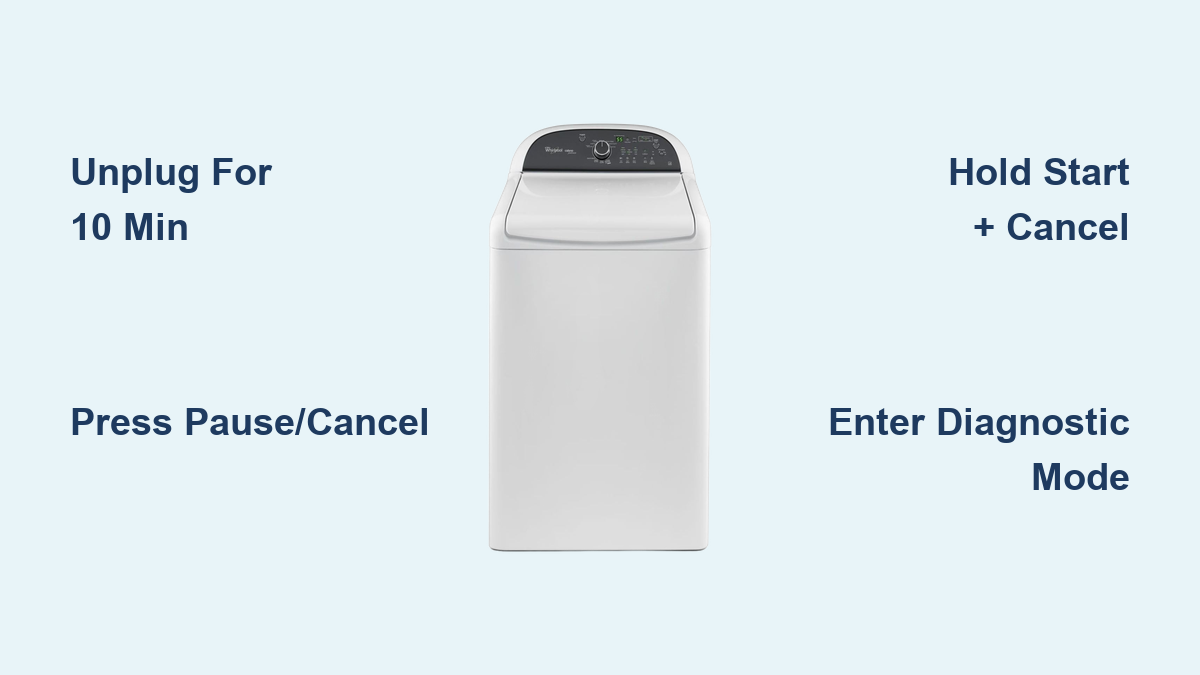
Power Reset: Clear Control Board Glitches
A power reset is the most effective first step when your Cabrio washer freezes, won’t start, or behaves erratically after a power surge or outage. This method fully discharges the capacitors on the control board and clears corrupted memory that causes unresponsive touchpads, stuck cycles, or software loops.
Unplug for Full System Discharge
- Turn off the washer using the Power button if available.
- Unplug the unit from the wall outlet. Do not rely on turning it off at the machine.
- Wait at least 5 minutes, but 10 minutes is ideal to fully discharge capacitors on the control board.
- Plug the washer back in.
- Wait 30 seconds before pressing any buttons or starting a cycle.
This reset clears corrupted memory in the main control board, which often causes unresponsive touchpads, stuck cycles, or software loops. A user with model WTW7300DW0 reported their washer was stuck in a wash recycling loop after a storm. After unplugging overnight and rebooting, the machine returned to normal.
Quick Panel Reset: Fix Frozen Controls
When the display is unresponsive but power is present, use a control panel reset instead of unplugging. This method works best for minor software hangs, frozen interfaces, or failed cycle starts. It does not clear error codes, only soft resets the control panel.
Press Pause/Cancel and Restart Cycle
- Press Pause/Cancel once to stop the current operation.
- Select any cycle such as Normal or Heavy Duty.
- Press Start.
This approach is fast and non-invasive, ideal for users experiencing frozen interfaces or failed cycle starts. The entire process takes less than 30 seconds.
Extended Button Reset: Force Software Reboot
This field tested method forces a deeper software reset using repeated button presses. Use this when touch buttons do not respond and a power reset is not convenient. This method is not in all manuals but has been verified across multiple Cabrio models.
Triple 3-Second Button Hold
- Choose any button except Power, Pause, or Cancel. The Soil Level or Spin Speed buttons work well.
- Press and hold for 3 seconds, then release.
- Repeat the 3-second press two more times for a total of three presses.
- Watch for flashing lights or a beep, which confirms the reset.
Successful execution is confirmed by flashing indicator lights or an audible beep. This method may not be universally documented in manuals but has been verified in field reports.
Dedicated Reset: Start + Cancel Combo
Some Cabrio models support a dedicated reset using a simultaneous button press. This clears stored error states and resets software defaults. Not all models support this method, so check your manual first.
Hold Start and Cancel Together
- Press and hold Start and Cancel buttons at the same time.
- Hold for 5 to 10 seconds.
- Release when you hear a beep or see lights change.
Functionality varies by firmware version and model year. Older or newer firmware versions may not respond to this combination.
Enter Diagnostic Mode: Read and Clear Error Codes

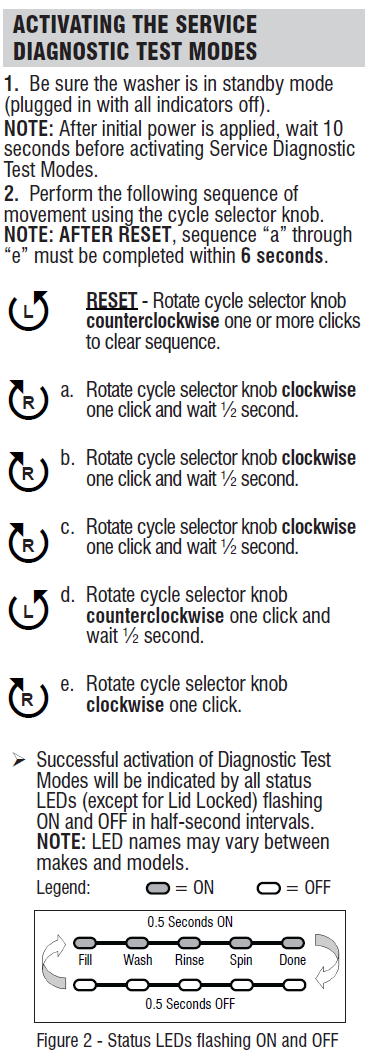
Diagnostic mode lets you see internal fault codes like E1 or F8, helping pinpoint issues before resetting. This is essential for identifying persistent issues such as pump jams, sensor failures, or motor errors.
Activate with Button Sequence
For 7040 Delta and compatible models:
- Ensure the washer is off and the display is blank.
- Within 5 seconds, press the Temperature button twice, the Soil Level button twice, and the Spin Speed button twice.
- Then press all three buttons simultaneously and hold for 3 to 5 seconds.
- Wait for codes to appear on screen.
The sequence must be performed rapidly and precisely. Delayed presses will cause it to fail. A diagnostic code such as E1 or F8 will appear on the display when successful.
Decode Common Diagnostic Codes
| Code | Meaning | Action |
|---|---|---|
| E1 | Power loss or surge detected | Perform power reset; check outlet stability |
| F8 | General system fault | May indicate water inlet, pressure switch, or communication error |
E1 indicates interruption such as a power outage or surge, common after storms. F8 is non-specific and may relate to water inlet, pressure switch, or communication errors. If no codes appear, they may have cleared automatically or the model does not store them.
Clear Error Codes After Repair
After fixing a mechanical issue like a clogged pump, clear the stored fault memory. This step resets the system so it does not continue to display old errors.
Use Spin Speed to Reset Codes
- While in diagnostic mode, press and hold the Spin Speed button.
- Hold until you hear a long audible tone.
- Turn the washer off, then back on.
- If successful, the display shows 52, which means the system is reset and ready.
The display will show 52, indicating the system is reset and ready for operation. This is a system ready code, not an error. Run an empty cycle to recalibrate after clearing codes.
Check Drain Pump: Fix No-Drain Errors
If the washer will not drain after a reset, a blocked pump is likely even after software fixes. This is a common fix after F8 codes related to drainage. Do this after failed resets, especially if you hear grinding or water remains post-cycle.
Remove Foreign Objects from Pump
- Unplug the washer and shut off water valves.
- Place towels under the front to catch water.
- Locate the black drain hose at the bottom front.
- Remove the hose clamp and detach the hose.
- Unscrew or unclip the pump housing.
- Pull out the pump and manually spin the impeller.
- Remove any debris such as coins, buttons, or fabric.
- Reinstall, reconnect, and restore power.
Debris lodged in the drain pump impeller causes washer fails to drain, emits grinding noises, or displays recurring error codes. On the 7040 Delta, this is a common fix after F8 codes.
Recalibrate After Reset: Run Clean Cycle
After any reset, recalibrate the system to ensure sensors and motors re-sync. Skipping this step can lead to recurring errors or poor performance.
Run Empty Tub Clean Cycle
- Select the Clean Washer or Tub Clean cycle.
- Use no clothes or detergent unless specified.
- Start the cycle and let it complete fully.
This cycle verifies water level sensor accuracy, drain pump function, drum rotation, and load balance detection. Perform a recalibration cycle monthly as part of maintenance to prevent buildup and sensor drift.
Model-Specific Fixes: WTW7300DW0 and 7040 Delta

WTW7300DW0: Recover From Power Outages
The WTW7300DW0 model is affected by power outage related software loops. A user reported being stuck in a wash recycling loop with water retention after a storm. The fix involves unplugging during the outage, waiting until power stabilizes, rebooting, and running an empty clean cycle. The tech sheet location may require removing the toe panel or console and is not always visible.
7040 Delta: Full Diagnostic Access
The 7040 Delta supports diagnostic mode via button sequence. It responds to Spin Speed hold for code clear and shows 52 on successful reset. A technician cleared recurring F8 codes after cleaning the pump and resetting via diagnostic mode on this model.
When Reset Fails: Escalate to Repair
If the washer still will not start, drain, or displays errors after all resets, the issue likely requires professional service. Resets are diagnostic tools, not permanent fixes for failing hardware.
Likely Hardware Failures
The following components may be faulty and require replacement.
- Faulty motor control board
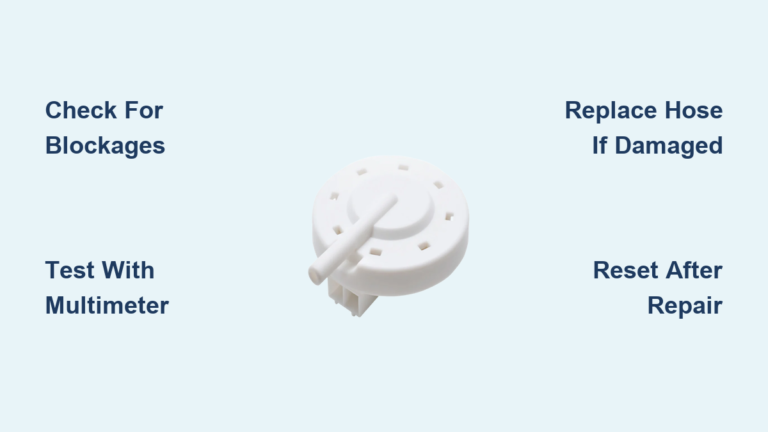
- Defective pressure switch or water level sensor
- Failed drain pump motor
- Door lock mechanism failure
- Persistent error memory due to hardware fault
Next Steps
- Check the tech sheet found behind the toe panel, under the top, or inside the console.
- Review the user manual troubleshooting flowcharts.
- Contact Whirlpool support or a certified technician.
- Ask about firmware updates which may require service mode programming.
Always confirm power stability before further testing because outages mimic hardware failure. One customer maintained an open support inquiry during a storm, delaying diagnostics until power stabilized.
Prevent Future Issues: Maintenance Tips
Avoid frequent resets with these proactive steps. A small amount of prevention saves significant repair costs.
- Clean the drain pump every 3 to 6 months.
- Run a clean cycle monthly.
- Never overload which causes unbalanced loads and triggers errors.
- Use HE detergent only because regular detergent causes suds lock.
- Inspect hoses annually for kinks.
- Use a surge protector especially in storm prone areas.
A $20 surge protector can prevent $200 service calls. Document error codes before clearing them because this helps technicians diagnose underlying issues.
Frequently Asked Questions About Cabrio Washing Machine Reset
How do I reset my Whirlpool Cabrio washing machine?
Unplug the washer from the wall outlet and wait 10 minutes. This performs a power reset that clears control board glitches. Plug back in, wait 30 seconds, and try starting a cycle. For minor issues, pressing Pause/Cancel then selecting a new cycle and pressing Start may suffice.
Why is my Cabrio washer stuck in a cycle?
This usually indicates a software glitch or power surge issue. Try a power reset first by unplugging for 10 minutes. If the problem persists, enter diagnostic mode to check for error codes. A stuck wash recycling loop commonly occurs after power outages and resolves with a full power cycle.
What does error code F8 mean on a Cabrio washer?
F8 is a general fault code that may indicate water inlet problems, pressure switch issues, or communication errors between control components. Check the drain pump for blockages first, then perform a power reset. If the code persists, further diagnostics are needed.
How do I enter diagnostic mode on a Whirlpool Cabrio?
Turn the washer off and ensure the display is blank. Within 5 seconds, press Temperature twice, Soil Level twice, and Spin Speed twice. Then press all three buttons simultaneously and hold for 3 to 5 seconds. Diagnostic codes will appear if successful.
Where is the tech sheet located on a Cabrio washer?
The tech sheet is typically found behind the toe panel at the bottom front of the machine, inside the console, or under the top panel. On some models like the WTW7300DW0, it may require removing access panels to locate.
Can I reset my Cabrio washer without unplugging it?
Yes. Use the Pause/Cancel method for minor issues or the extended button hold method for deeper resets. Press any button except Power, Pause, or Cancel three times for 3 seconds each until you hear a beep or see lights flash.
Final Thoughts on Cabrio Washing Machine Reset
Most Cabrio washing machine issues can be resolved at home without a service call by following these reset procedures. Start with a power reset by unplugging for 10 minutes, move to diagnostic mode if error codes persist, and inspect the drain pump if water remains after cycles. The power reset is the most effective first step for frozen controls, power glitches, and software loops.
Always perform a recalibration cycle after resetting to ensure sensors and motors re-sync properly. Run an empty Clean Washer cycle monthly as preventive maintenance. Document any error codes before clearing them because this information helps technicians if the issue escalates. With regular maintenance and proper reset techniques, your Whirlpool Cabrio will run smoothly for years.