How to Reset Whirlpool Duet Washing Machine
Your Whirlpool Duet washing machine won’t start. The display is frozen. Error lights flash. Or the door stays locked with no cycle progress. Before calling a technician or replacing parts, try a Whirlpool Duet washing machine reset—a simple, proven fix for many electronic glitches.
Resetting your washer clears temporary software errors, reboots the control board, and restores communication between the control panel and internal systems. It’s the first step recommended by technicians for issues like unresponsive buttons, stuck cycles, flashing lock lights, or recurring error codes like F1, F2, or SUD. While a reset won’t fix mechanical failures like a broken pump or motor, it resolves over 70% of non-hardware-related malfunctions.
Unplug to Reset the Control Board
The most reliable way to reset a Whirlpool Duet washer is a full power cycle. This method forces the control board to reboot completely, clearing residual electrical charge and resetting all temporary memory.
Disconnect Power Completely
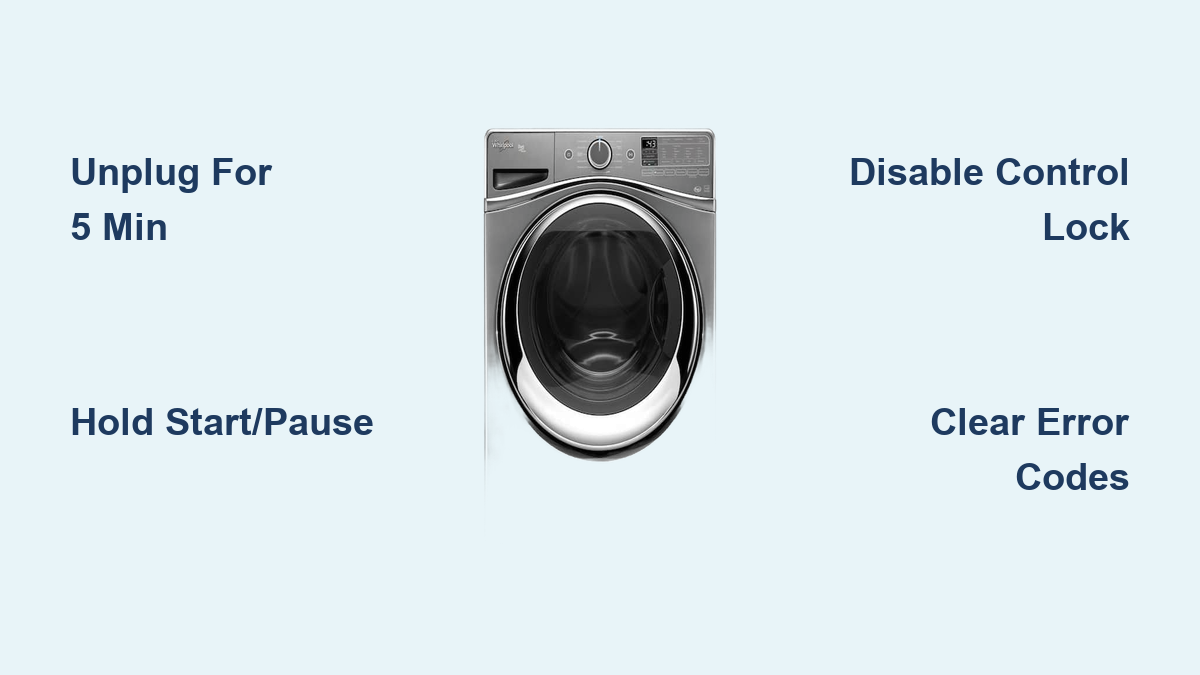
Unplug the washer from the wall outlet. If your unit is hardwired, turn off the circuit breaker supplying power. Do not skip this step, as partial power can prevent a full reset.
Wait 3-5 Minutes
Let the machine sit without power for at least 3 minutes. This allows internal capacitors to discharge fully. A shorter wait may result in an incomplete reset. Use this time to check the outlet or breaker panel if the washer showed no signs of power.
Restore Power and Test
Plug the washer back in or flip the breaker on. Wait a few seconds for relays to engage (you may hear a click). Press any button to wake the display. Select a short cycle and press Start to confirm normal operation.
Pro Tip: If the display remains blank after power restoration, test the outlet with another device. A tripped GFCI or blown home fuse could be the real issue.
Soft Reset With Control Panel
If the washer responds slightly (display is on but controls are frozen), a soft reset may work without unplugging.
Press and Hold Start/Pause
With the machine powered on, press and hold the Start/Pause button for 3 seconds. This cancels the current cycle, unlocks the door if safe, and reboots the control system. The display may flicker or go dark briefly.
Try Power Plus Start Combo
On some Duet models, press and hold Power and Start together for 5 seconds. This forces a soft reboot. If the display resets or flashes, the command was accepted.
Note: Not all models support soft resets. If the buttons do nothing, switch to the unplug method, which is more effective for complete electronic lockups.
Fix Flashing Door and Control Lock Lights
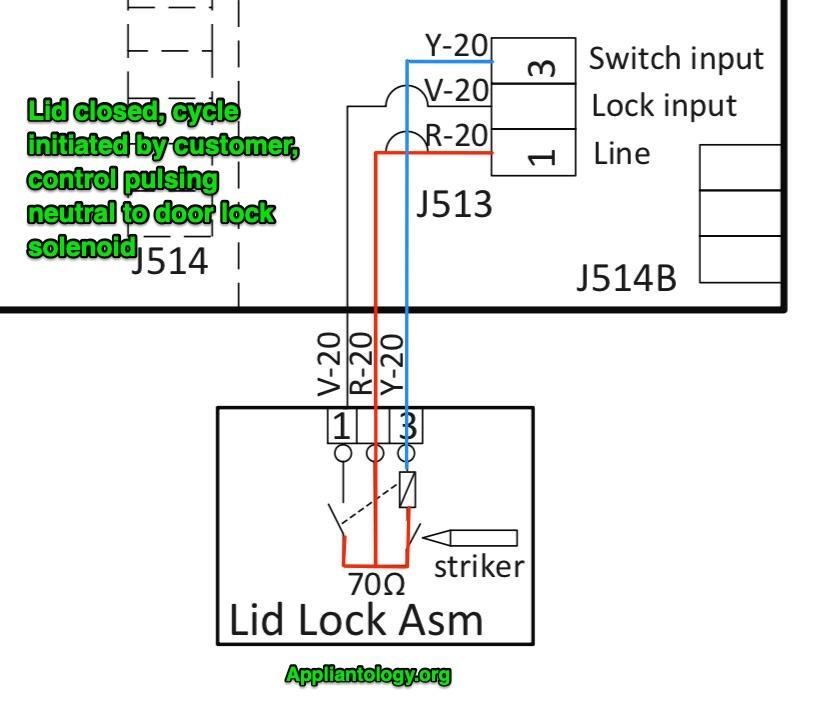
When both door lock and control lock lights flash together, the washer becomes unresponsive. This is often a software glitch, not a hardware failure.
Perform a Power Cycle
First, unplug the washer for 5 minutes. This clears the lock state. After restoring power, check if the lights remain off. Most models automatically unlock the door once power is cut and water is drained.
Disable Control Lock Manually
If the Control Lock light stays on, press and hold the Control Lock button if available for 3 seconds. On models without a dedicated button, press and hold Options plus Start or Soil Level plus Temp for 3 seconds. The light should turn off, and the machine should respond to inputs.
Warning: Never force the door open. Wait 1-2 minutes after power loss for automatic unlocking. Forcing it can damage the latch mechanism.
Clear Common Error Codes
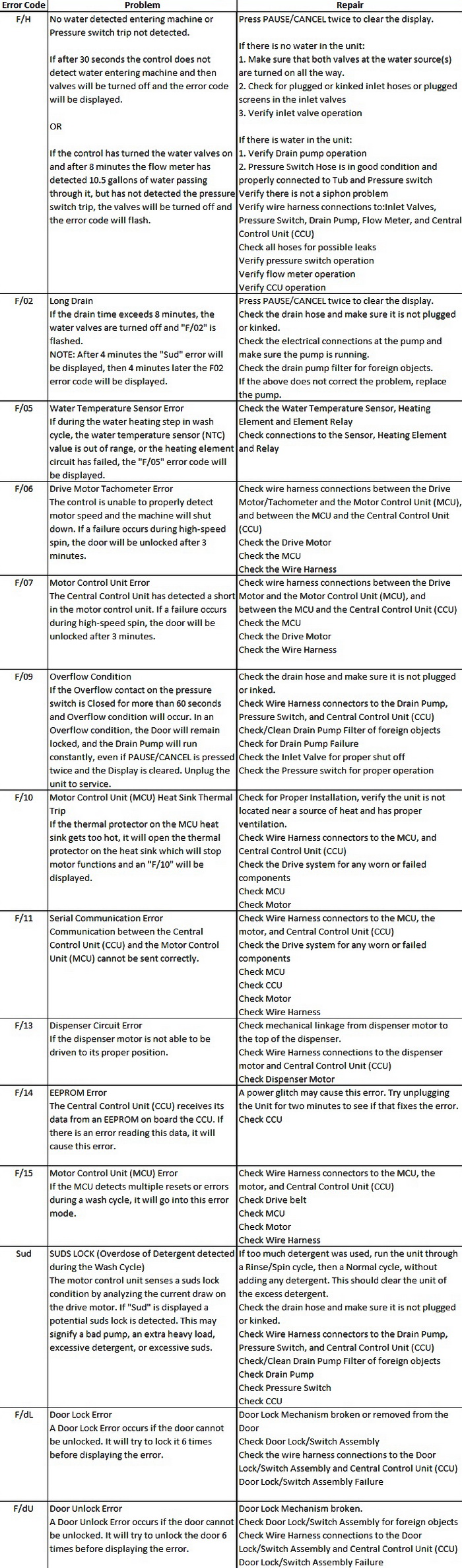
Many error codes disappear after a proper reset, especially those caused by sensor glitches or communication hiccups.
F1 Error: Pressure Sensor Issue
F1 indicates a failed pressure switch or control board glitch. Perform an unplug reset. If F1 returns immediately, the pressure hose may be clogged or detached. Check for kinks or water in the tube.
F2 Error: Communication Failure
F2 indicates a break between the control panel and main board. Use a power cycle reset. Ensure no moisture is inside the console. Recurring F2 may require a control board replacement.
F5 Error: Lid Lock Problem
F5 means the door lock is not engaging or releasing properly. Reset the machine. If F5 persists, inspect the lock assembly for damage or debris. A reset can clear false lock signals.
SUD Error: Excessive Suds
Too much detergent triggers a safety mode displaying SUD or Sd. Reset after running a rinse-only cycle. Use only HE detergent to prevent recurrence.
ND Error: No Drain
ND means the pump or drain hose is blocked. Clear the filter and hose first, then reset to restart the drain sequence.
Expert Note: If the same code returns after 2-3 resets, the issue is likely hardware-related. Document the error for technician review.
Model-Specific Reset Tips
Whirlpool Duet includes multiple models (GHW9150, WFW8300, Duet Sport, Duet Steam), each with slight control differences.
Older Duet Models
Use Start/Pause hold for 3 seconds to cancel cycles. Control Lock is disabled via Temp plus Spin held for 3 seconds. No Wi-Fi or app features exist, so basic reset methods apply.
Newer Smart Models
Disconnect from the Whirlpool app before resetting. Access Factory Reset in settings if software corruption is suspected. Some allow reset via app diagnostics. Check the mobile interface for this option.
No Control Lock Button
On models without a labeled Control Lock button, hold Soil Level plus Temp for 3 seconds. Alternatively, press and hold Options plus Start.
Pro Tip: Keep your model number handy (usually on the door rim or back panel). It helps find exact button combinations in the manual.
Prevent Future Lockups
A reset fixes the symptom. Prevent the cause with simple maintenance.
Use HE Detergent Only
Regular detergent creates excess suds, triggering SUD errors and control issues. Always use HE (High-Efficiency) formula. Measure carefully, as too much causes problems.
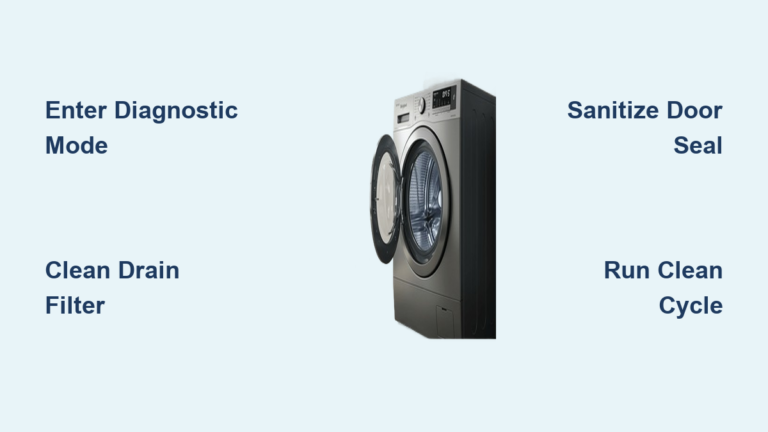
Clean Door Seal Monthly
Wipe the rubber gasket to remove mold, lint, and debris. Trapped material can block the drain or interfere with door locking.
Clear Drain Filter Regularly
Remove and clean the front filter located behind the lower access panel every 1-2 months. This prevents ND errors and reduces strain on the pump.
Run Clean Cycle Every Month
Use washer cleaner or a cup of white vinegar on the hottest cycle. This clears buildup that affects sensors and drainage.
Expert Note: Avoid overloading. Too many clothes imbalance the drum, triggering error states and causing wear on components.
When to Call a Technician
A reset should restore function in most electronic glitches. If problems persist, it is time for professional help.
Recurring Error Codes
If F1, F2, or F5 return immediately after reset, hardware is likely failing. Common culprits include a faulty door lock assembly, failed control board, or clogged pressure switch tube.
No Power After Reset
If the display stays blank and no lights come on, check the home circuit breaker. Test the outlet. Inspect the power cord for damage. If all are good, the control board may be dead.
Door Will Not Unlock
After power cycle, wait 1-2 minutes. If still locked, manually release via the emergency tab behind the kick panel. Pull the internal release cord if accessible. Forcing it can break the latch. Only open when safe.
Warranty and Service Information
Resetting your washer does not void the warranty. Whirlpool encourages troubleshooting before service calls.
Warranty Coverage
Standard coverage is 1 year on parts and labor. Extended coverage is 5-10 years on major components like the motor. Proof of purchase is required.
When to Contact Support
Contact support when error codes persist after 2 resets, unusual noises occur (grinding, banging), water leaks or failure to fill happens, or door lock failure occurs. Use Whirlpool’s online support or call 1-800-GO-WHIRL for certified technician referrals.
Key Takeaways for Resetting Your Whirlpool Duet
| Issue | Best Reset Method | Success Rate |
|---|---|---|
| Frozen display, no response | Unplug for 5 minutes | 90% |
| Flashing door and control lock | Power cycle plus lock disable | 85% |
| SUD, F2, ND codes | Reset after fixing root cause | 75% |
| Stuck cycle | Hold Start/Pause 3 seconds | 60% |
Final Note: Always try a Whirlpool Duet washing machine reset before scheduling repairs. The unplug method is the most effective, simple, safe, and non-invasive. Combine it with proper maintenance to keep your washer running smoothly for years. If issues return, document the symptoms and contact a professional. A well-timed reset can save time, money, and unnecessary service calls.
Frequently Asked Questions About Whirlpool Duet Washing Machine Reset
How do I reset my Whirlpool Duet washing machine?
Unplug the washer from the wall outlet. Wait 3-5 minutes for the control board to fully discharge. Plug it back in and press any button to wake the display. This power cycle reset is the most effective method for most issues.
Why is my Whirlpool Duet display frozen?
A frozen display usually indicates a software glitch or electronic communication error. Try unplugging the washer for 5 minutes. If the display remains frozen after this, the control board may need professional attention.
What does it mean when both door lock and control lock lights flash?
This combination typically indicates a software lockup rather than a hardware failure. Unplug the washer for 5 minutes, then restore power. If the lights still flash, disable the Control Lock using the appropriate button combination for your model.
Will resetting my washer void the warranty?
No. Resetting your Whirlpool Duet washing machine does not void the warranty. Whirlpool recommends performing resets as a first troubleshooting step before contacting service.
How often should I reset my washing machine?
Only reset when experiencing problems like frozen controls, error codes, or unresponsive buttons. Regular resets are not necessary. Instead, perform preventive maintenance monthly, including cleaning the door seal, clearing the drain filter, and running a cleaning cycle.